The digital prayer board
A digital prayer board for you and your people
A digital prayer board (some say online or virtual prayer board) keeps your prayer requests on your phone instead of a corkboard. You can make one as a wallpaper, in Notion or Canva, or in PrayerBoard, a prayer board app you share with the few people who pray with you.
Now in beta on iPhone and Android. Free, with no ads and no tracking.
3 ways to make a digital prayer board
There isn't one right way. It depends on whether the board is just for you, or something you want to share with the people you pray with.
- A phone wallpaper. Free and private, and you see it every time you pick up your phone. Best for a short list that changes once a week.
- A Notion or Canva board. Free, roomy and easy to make pretty. Best for a longer list you look at on purpose, like a morning prayer time.
- An app made for it. Best when other people are part of it: they add requests, they pray and you see that they did.
1. Make a prayer board wallpaper
- Pick four to six names or requests for this week. Fewer is better on a lock screen.
- Open a blank design at your phone's screen size (1170 × 2532 fits most recent iPhones) in Canva or any photo app, or write on a card and take a photo of it in good light.
- Leave the top third empty, so the clock doesn't cover your words. Add one verse at the bottom if you like.
- Save it, then set it as your lock screen in your phone's wallpaper settings.
- Pick a day, like Sunday evening, to swap in next week's list. Write answered prayers in your notes before you swap.
2. Make a prayer board in Notion or Canva
- In Notion, make a new page with a board view and three columns: Asking, Waiting and Answered. In Canva, start from a whiteboard and draw the same three columns.
- Add one card per request, with the person's name, what they need and today's date.
- Add a verse or two you're holding on to at the top.
- Pin the page to your phone's home screen, or open it at the same time each day.
- When a prayer is answered, drag the card to Answered and write one line about what happened.
Want to share it? Both tools let you invite others, but anyone with edit access can change anything, reminders take setting up and you can't tell who has prayed. That's the gap an app fills.
3. Use a prayer board app: PrayerBoard
PrayerBoard (one word) is a prayer board app for you and your closest people. Your Home screen is the board: requests from your family, your small group and your best friends, each in its own private circle.
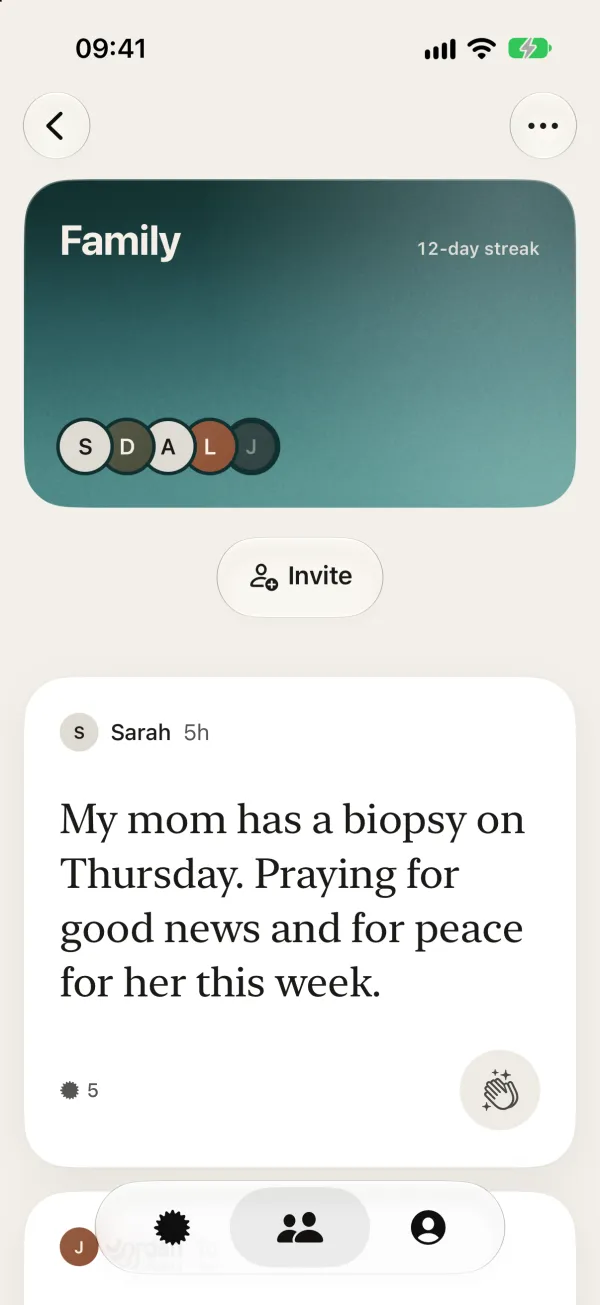
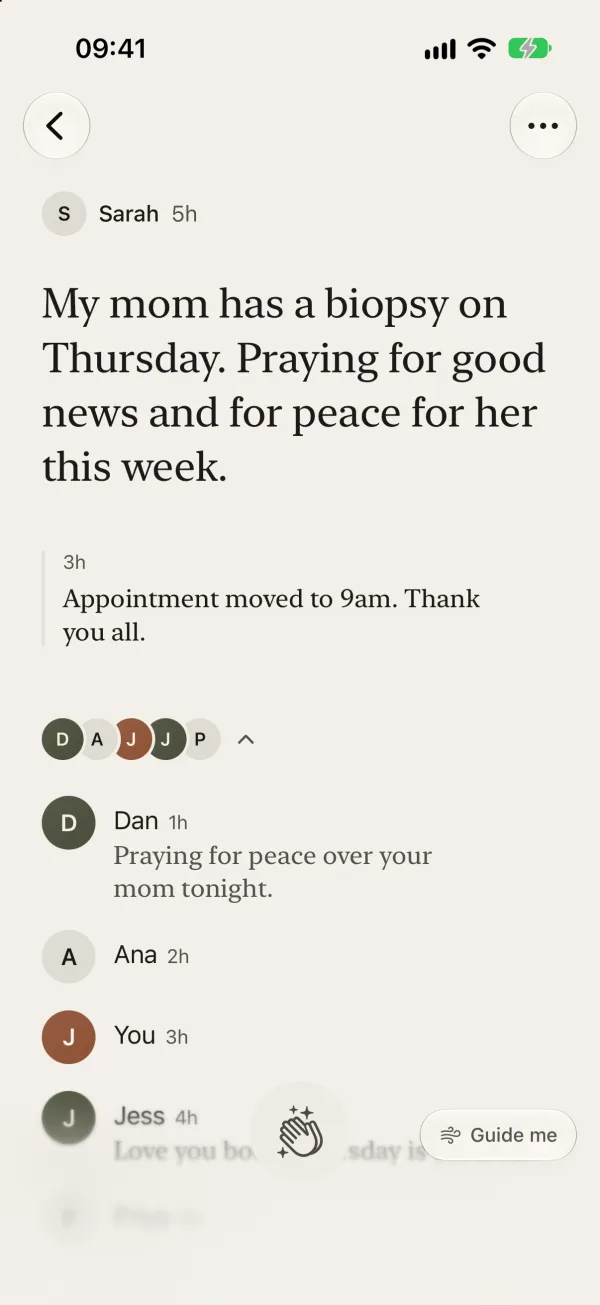
- Post a request in a sentence or two, or keep it private so only you see the words.
- Friends hold to pray or leave a short note, and you get a notification like “Sarah prayed for you”.
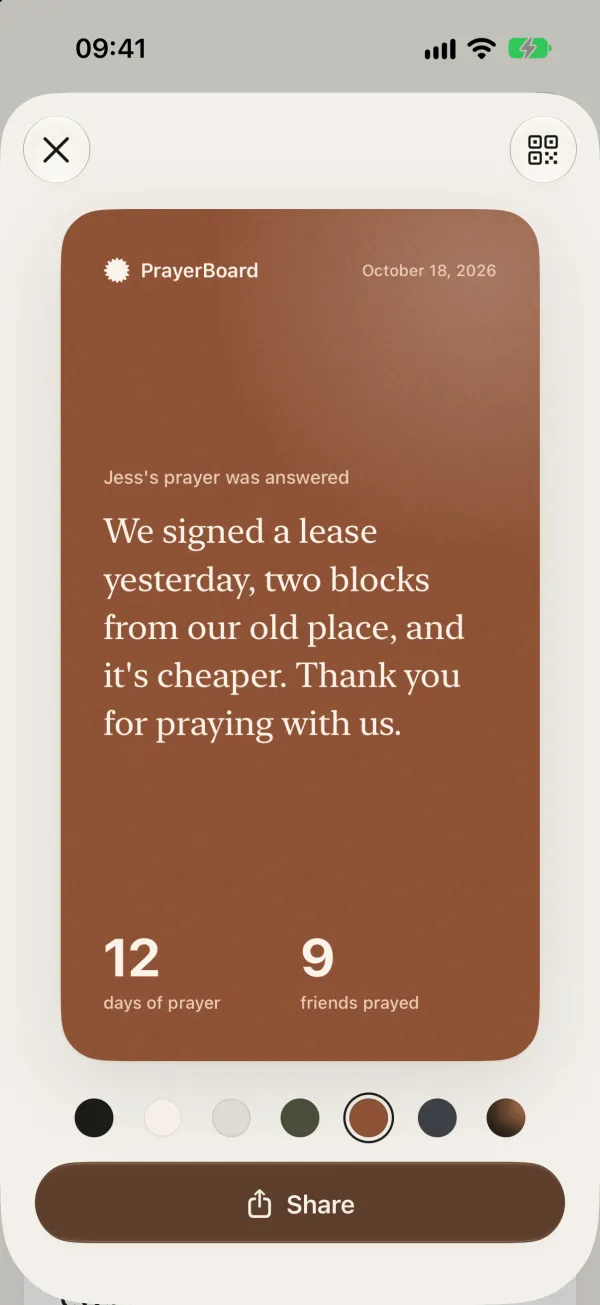
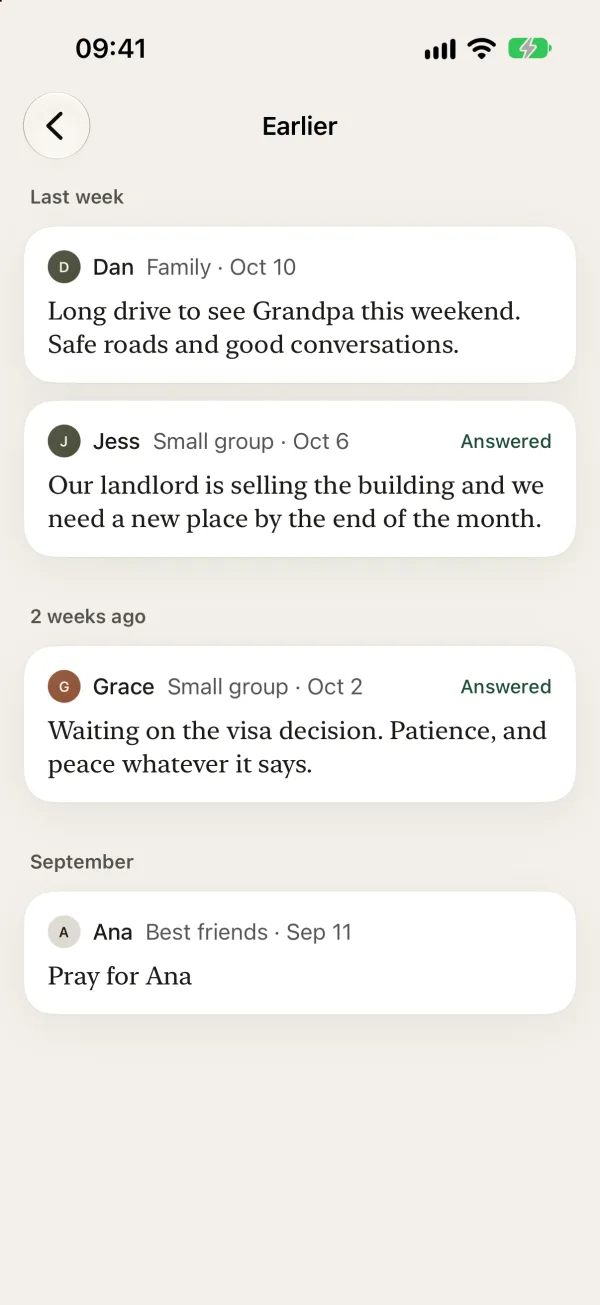
- Add updates as things change, and mark a prayer answered when it is. You can share the story as a card.
- Set a daily reminder, with quiet hours so it never buzzes at night.
Physical vs digital prayer board
Who sees it
- PrayerBoard app
- Only the circle you invite
- Paper board
- Whoever walks by
- Wallpaper or Notion
- You, or whoever you share the page with
Reminders
- PrayerBoard app
- A daily reminder you set
- Paper board
- When you pass it
- Wallpaper or Notion
- Your lock screen, or ones you set up
Others can add requests
- PrayerBoard app
- Yes, each person posts their own
- Paper board
- If they're in the room
- Wallpaper or Notion
- Only with edit access to everything
Know who prayed
- PrayerBoard app
- Yes, with their notes
- Paper board
- No
- Wallpaper or Notion
- No
Answered prayers
- PrayerBoard app
- Marked answered, kept with the request
- Paper board
- Move the card, if there's room
- Wallpaper or Notion
- A column you keep up yourself
Privacy
- PrayerBoard app
- Private circles and private requests
- Paper board
- Visible in your home
- Wallpaper or Notion
- Depends on sharing settings
Cost
- PrayerBoard app
- Free
- Paper board
- Cork, cards and pins
- Wallpaper or Notion
- Free
Keep both
A board on the wall is lovely. It's where your eyes land in the morning, and kids can add to it. A digital board is what you carry, and what the people far away from you can join. Plenty of families do both: the wall for the names they pray over every day, the app for the requests they share.
If you'd like a head start on the wall, print our free printable prayer board kit: ten pages of request cards, “Answered” cards, labels and verse cards. For more ways to set one up, see our 18 prayer board ideas.
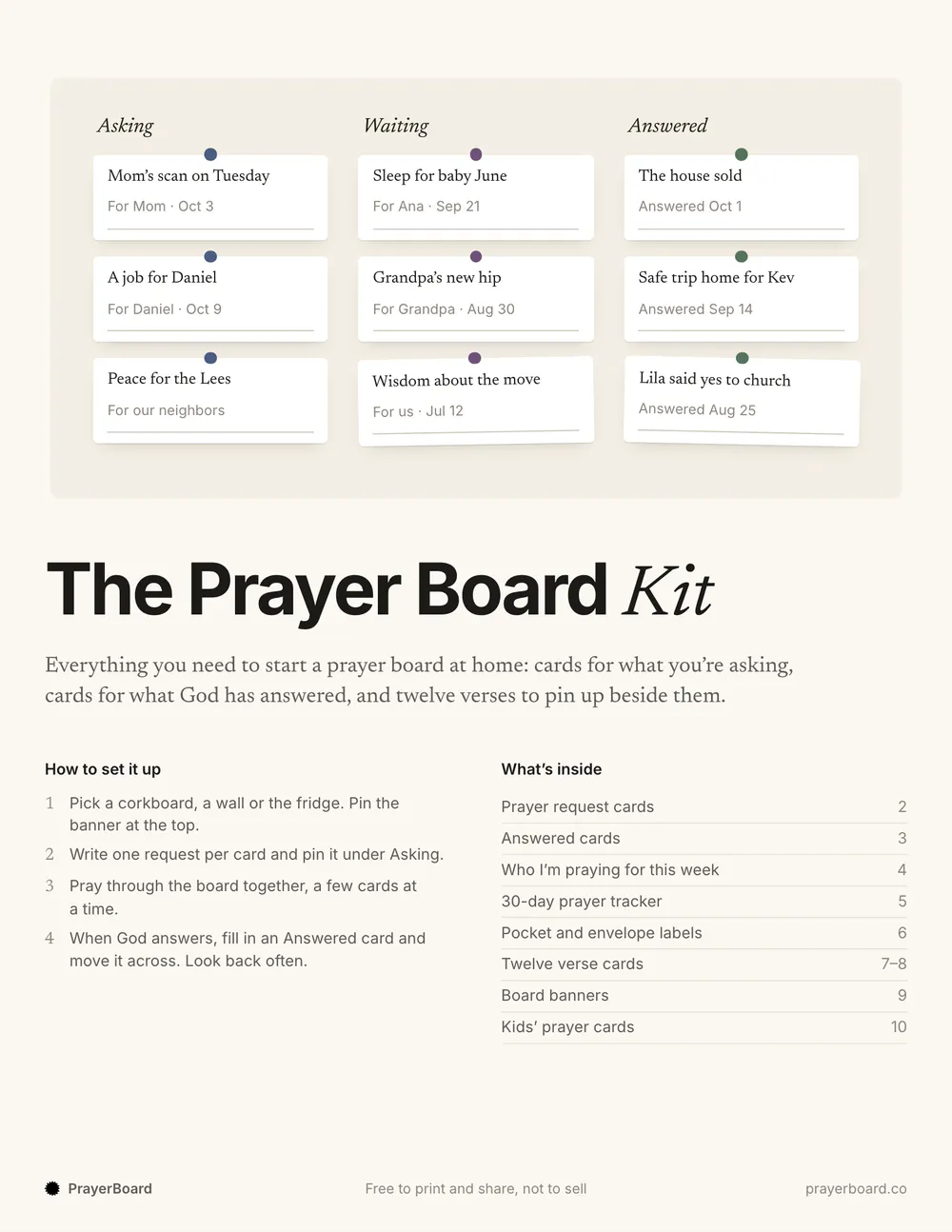 The Prayer Board KitFree to print. US Letter and A4.
For a group or a church
For a small group or Bible study, a circle works the same way: see our group prayer app page. For a whole congregation, where people who don't know each other share requests, our online prayer wall for churches is the better fit.
Questions people ask
Is there a prayer board app?
Yes. PrayerBoard is a free prayer board app for praying with a few close friends and family. You share requests in a private circle, they pray with a tap or a short note, you see who prayed and you mark prayers answered. It's in beta on iPhone and Android.
Can my family share one prayer board?
Yes. Make a circle called Family and invite everyone with a link or a text. Each person adds their own requests, everyone sees the same board and each of you gets a gentle notification when someone prays. A circle holds up to 30 people.
Is a digital prayer board private?
In PrayerBoard, yes. Circles are invite-only, there's no public feed and there are no ads or tracking. You can also make a request private, so your circle knows you asked for prayer and only you see the words. A phone wallpaper is private too. A shared Notion or Canva board is only as private as its sharing settings.
Can I make a digital prayer board for free?
Yes, all three ways here are free. A wallpaper costs nothing, Notion and Canva have free plans and PrayerBoard is free with no ads and no in-app purchases.
Is a virtual prayer board the same thing?
Yes. People say digital, online or virtual prayer board for the same idea: your prayer requests on a screen instead of a corkboard, often shared with others. For a whole church, an online prayer wall does the same job for a bigger group.
Should I stop using my paper prayer board?
No need. Many people keep a board on the wall for the things they pray over every day, and use the app for the requests they share with others. Our free printable kit works with both.
Keep reading
PrayerBoard
Put your prayer board in your pocket
Share requests with the few people who pray with you, see who prayed and keep every answer. Free, in beta on iPhone and Android.
Now in beta on iPhone and Android. Free, with no ads and no tracking.